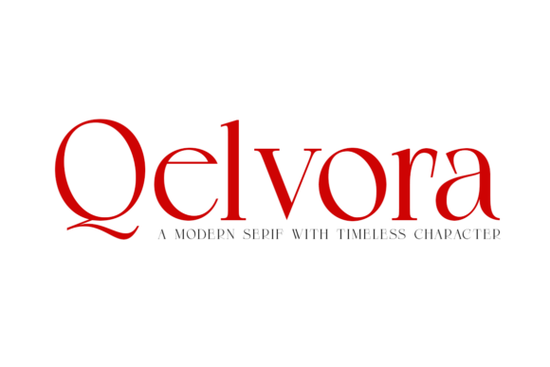
Finding a typeface that balances classic elegance with modern readability can be difficult for designers and small business owners. The Qelvora font family aims to solve this by offering a refined serif structure suitable for various creative projects. Whether you are working on a luxury brand identity or a simple wedding invitation, having a versatile type family is essential. This specific typeface provides a complete range of weights from Light to Black, including matching italics, which gives you plenty of room to experiment without losing consistency.
What makes this typeface stand out?
The design focuses on balanced proportions and graceful serifs that do not feel outdated. Many serif fonts struggle to look good on screens, but this family is crafted to maintain clarity in digital interfaces as well as print. The lighter weights offer an airy feel, making them strong candidates for body text in magazines or blogs. On the other hand, the heavier weights provide the visual impact needed for headlines and logos. This flexibility means you might not need to buy multiple fonts to complete a project.
Another key feature is the inclusion of italic styles. These are not just slanted versions of the regular characters; they have a dynamic character suitable for emphasis or quotations. When you need to highlight a specific part of your design without changing the font family, these italics integrate seamlessly. You can read more about specific use cases on our local review page for further details.
Where should you use this font?
This typeface shines in editorial design and branding. If you are creating a stylish magazine layout, the readability of the regular weights ensures that readers stay engaged with the content. For branding, the strong display weights help create a memorable logo that conveys sophistication. It is also a solid choice for packaging, where legibility and style must work together on a physical shelf.
Small businesses often need a font that looks professional across different mediums. From corporate presentations to social media graphics, having a unified typographic voice helps build trust. Because the family includes so many weights, you can establish a clear hierarchy in your documents. You might use the Black weight for a main title, Medium for subheadings, and Light for the main body text.
Are there similar options available?
While this font is versatile, it is always good to compare options before making a decision. If you are looking for something with a slightly different character, you might consider the Grass font. It offers a unique take on serif styling that might fit more organic or natural brand themes. We have also compiled a list of similar designs in our grass style collection for you to browse.
Another alternative is the Silkgrove font, which brings a smooth and flowing aesthetic to the table. This option might work better if your project requires a softer touch compared to the structured feel of Qelvora. You can explore more variations in our Silkgrove category to see which one aligns best with your vision. Comparing these choices helps ensure you pick the right tool for your specific design needs.
How do you pair serif fonts?
Using a serif font effectively often depends on what you pair it with. A common strategy is to combine it with a clean sans-serif font for body text or UI elements. This contrast keeps the design modern while retaining the elegance of the serif headings. Avoid pairing it with another complex serif, as this can make the layout look cluttered and hard to read.
Whitespace is also critical when working with elegant typefaces. Give the letters room to breathe, especially in the lighter weights. Tight tracking can reduce readability and negate the sophisticated look you are trying to achieve. Always test your combinations on different devices to ensure the text remains legible on smaller screens.
Practical Checklist for Your Project
- Check Legibility: Test the font at small sizes to ensure the serifs do not blur.
- Define Hierarchy: Assign specific weights to headings, subheadings, and body text before starting.
- Test Pairings: Try combining the serif with a simple sans-serif to see if the contrast works.
- Review Licensing: Ensure the license covers your intended use, such as commercial branding or web embedding.
- Compare Alternatives: Look at similar families to confirm this is the best fit for your brand identity.
Taking these steps will help you integrate the typeface smoothly into your workflow. Good typography is about more than just aesthetics; it is about communication. By choosing a family with enough variety, you give your designs the structure they need to succeed.
Download Now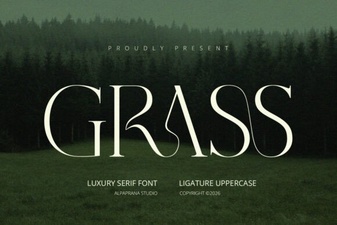 Grass Font: a Natural Design Element for Your Projects
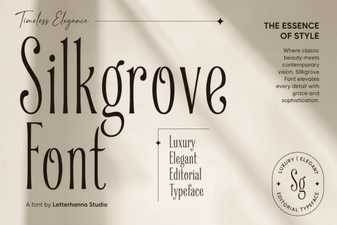 Silkgrove Font: the Perfect Blend of Style & Function
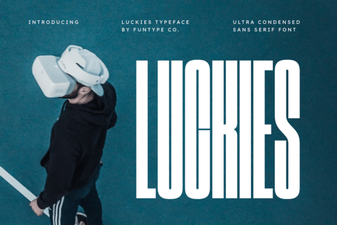 Luckies Font: Free & Fun Typography for Creative Projects
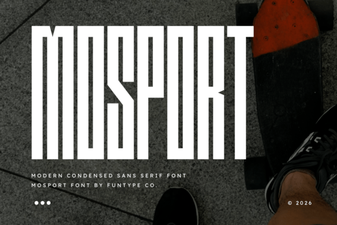 Mosport Font: Free Retro Racing Font for Designers
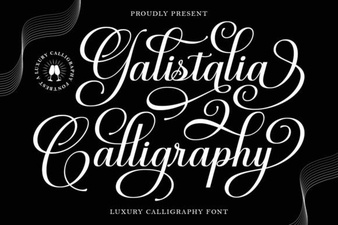 Galistalia Font: Creative Lettering & Design Projects
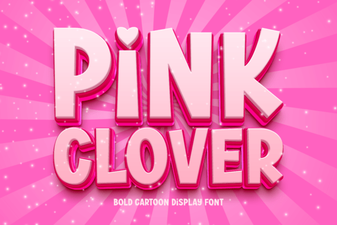 Pink Clover Font: Elegant Design for Creative Projects